BriefMe
BriefMe is an AI-powered PDF tool that transforms how users interact with heavy documents. By allowing users to upload a PDF, instantly generate comprehensive summaries, and ask questions naturally (similar to an LLM notebook) it turns static pages into dynamic, interactive conversations.
To give the brand its playful edge, I focused heavily on interactive and web animations:
Interactive Characters: Brought cute, engaging brand characters to life using Rive, adding personality to the interface without distracting from the core document-reading experience.
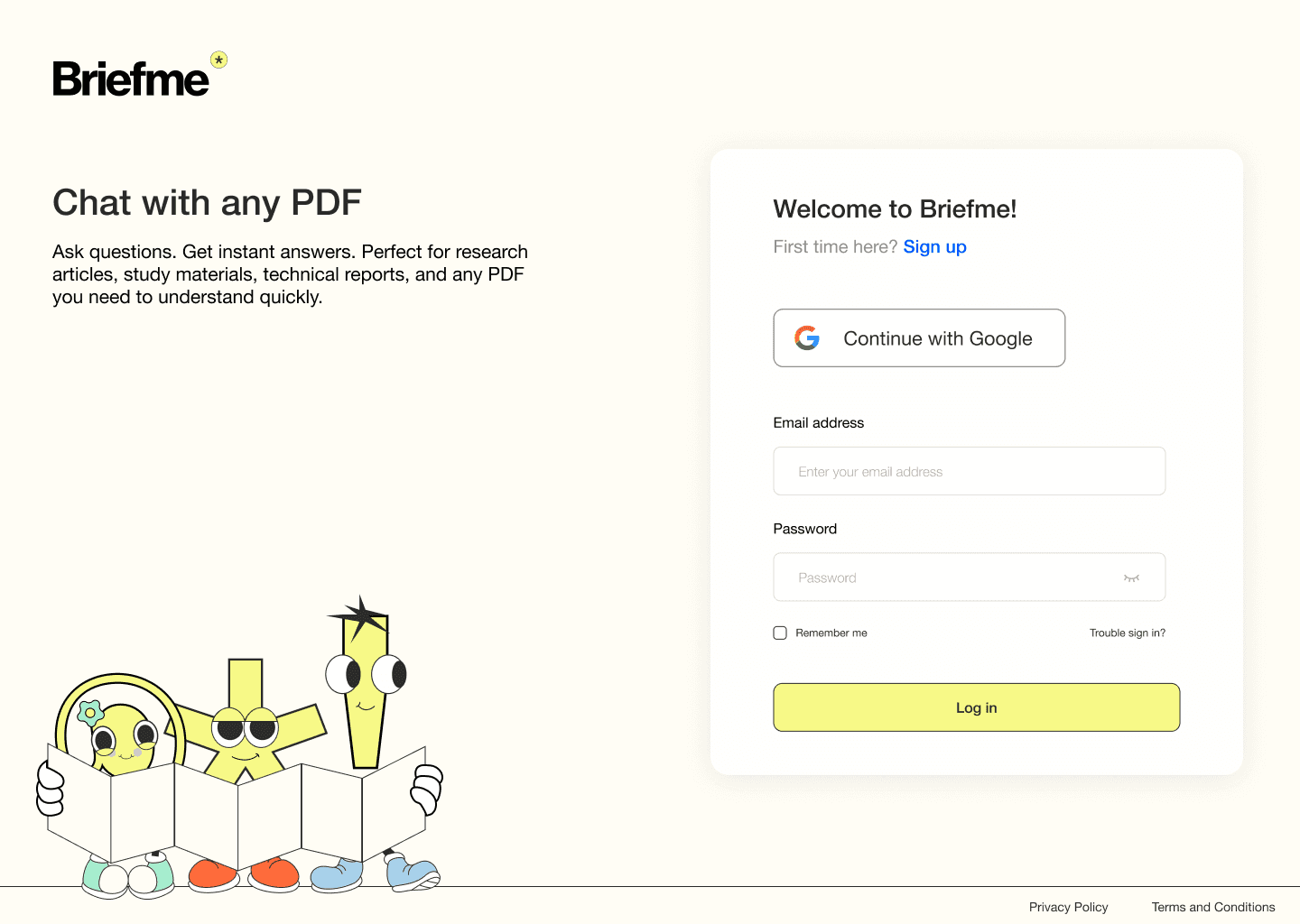
Seamless Web Motion: Developed smooth, responsive web animations that provide clear visual feedback during users log in or sign up, while the characters follow their mouse.
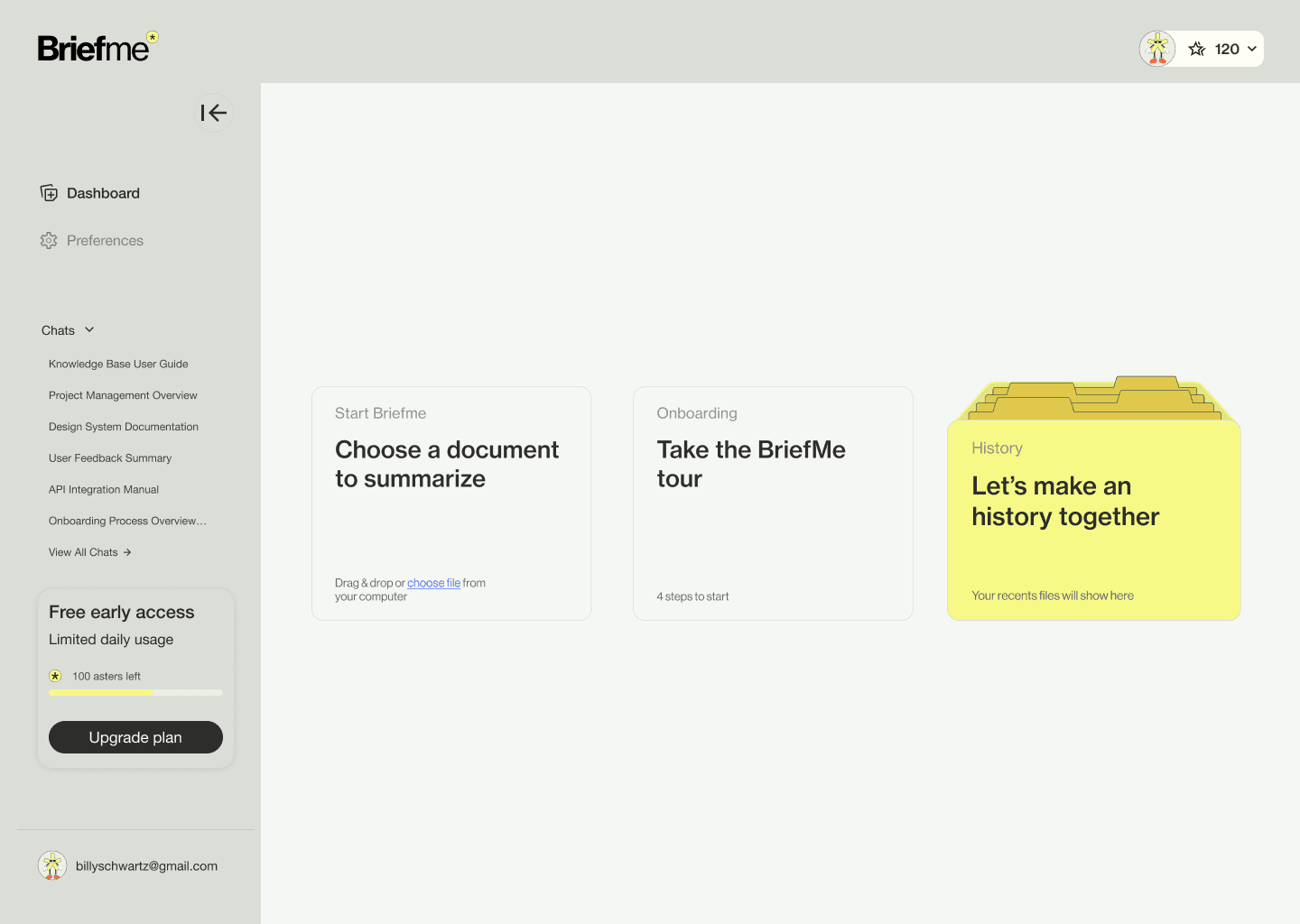
UI Micro-interactions: Animated the history card in the homepage to make the transition between default state and hover state feel completely fluid.
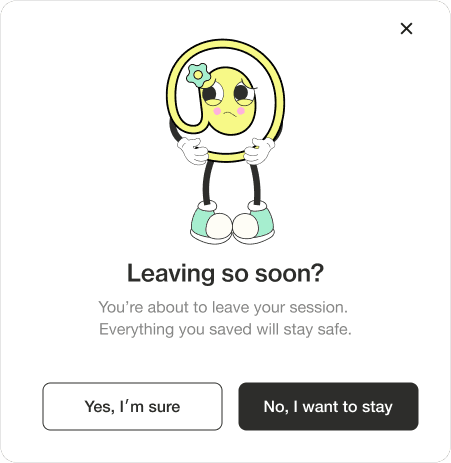
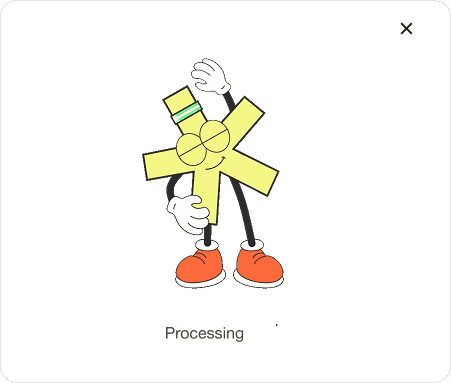
Animative GIFs & UI Popups






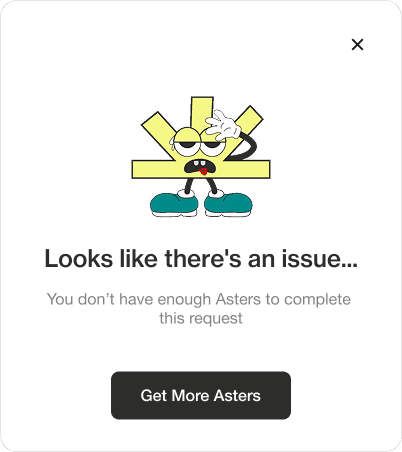
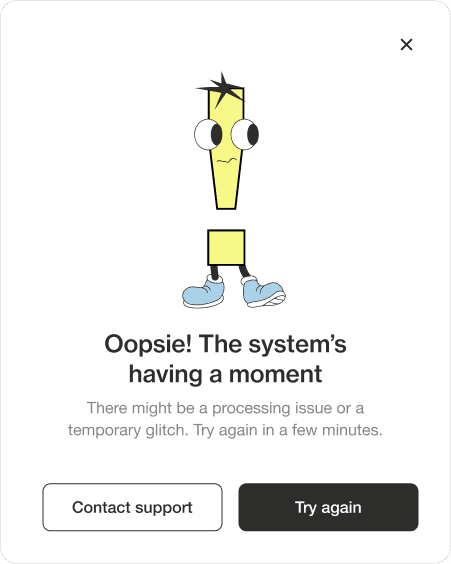
The goal was to take an advanced AI document tool and make it feel highly approachable for anyone - from students to business professionals. The brand needed to balance a robust, "business-ready" utility with a "playful" and engaging vibe.
While I collaborated on the UI/UX, my primary focus was bringing the platform to life through motion. The challenge was to visually communicate the "magic" of the AI, making the experience feel intuitive and friendly rather than strictly corporate. I achieved this by creating engaging promo videos, building interactive web animations, and animating friendly character assets that guide the user effortlessly from their first upload to their final query.
Chrome Store Video & Product Evolution
Promotional Video: Produced a compelling, fast-paced Chrome Web Store promo video designed to quickly explain the "upload, summarize, ask" workflow and drive extension installs.
Showcasing Growth: Above is the updated version, here below is the older version of the product to highlight the visual evolution, improved user experience, and refined motion language.
App Screenshots